
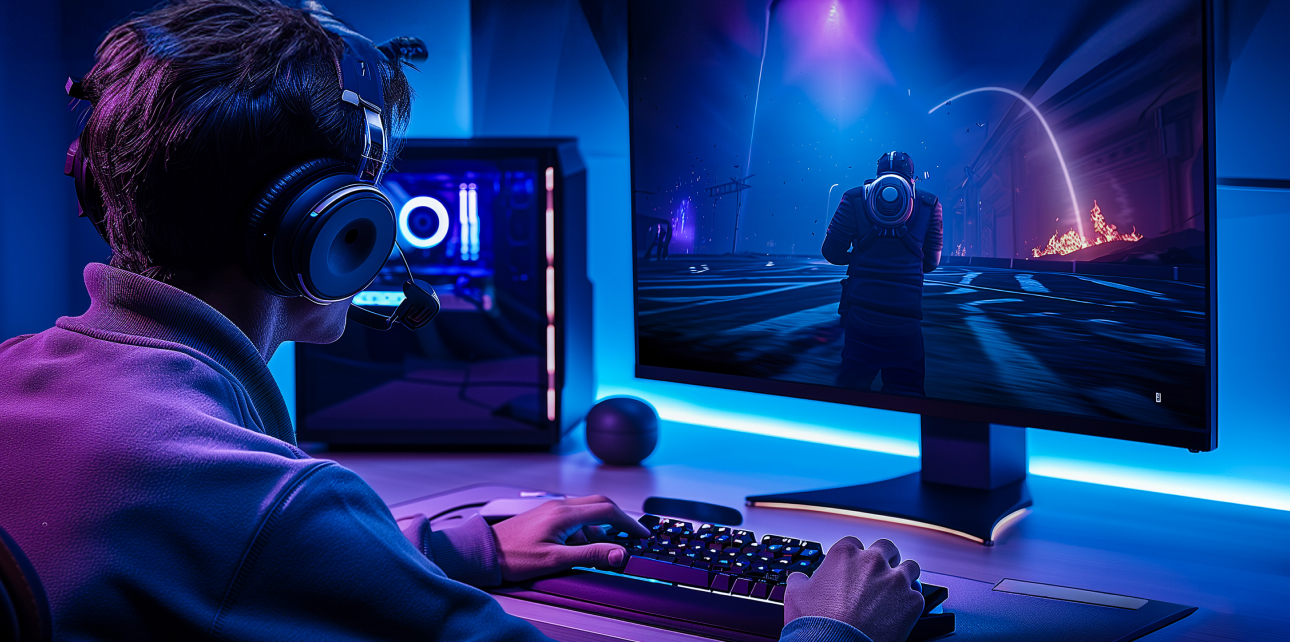
Optimizing game performance is essential for delivering smooth, engaging, and enjoyable experiences to players. In 2026, games are released across multiple platforms, including PC, consoles, mobile devices, and web browsers, making performance optimization a critical part of development. Poor performance can lead to low frame rates, lag, crashes, and negative user feedback.
This guide explores effective strategies and best practices for improving game performance across platforms.
Table of Contents
Game Performance
Game performance refers to how efficiently a video game runs on hardware, measured by its stability, responsiveness, and visual smoothness. Key metrics include high, consistent Frame Rate (FPS), fast loading times, minimal input lag, and the absence of crashes or stuttering. It is determined by the balance between hardware capabilities (CPU, GPU, RAM) and software optimization.
1. Optimize Game Assets
Game assets, including textures, sprites, audio files, and 3D models, can significantly impact performance. Large or poorly optimized assets can cause slow loading times and high memory usage.
- Textures and Sprites: Compress images using formats like PNG for lossless quality or JPEG for smaller file sizes which will improve game performance. Use texture atlases to combine multiple images into a single file, reducing draw calls.
- 3D Models: Reduce polygon count without compromising visual quality. Tools like Blender or Maya allow developers to optimize meshes and animations.
- Audio Files: Compress audio into formats like MP3 or OGG, and consider using adaptive audio streaming to reduce memory usage.
Optimizing assets ensures faster loading times, smoother gameplay, and a smaller game footprint.
2. Efficient Coding Practices
Writing efficient code is crucial for game performance. Poorly written scripts can cause slow frame rates, memory leaks, or crashes.
- Avoid Redundant Calculations: Cache frequently used values instead of recalculating them repeatedly.
- Use Object Pooling: Reuse objects rather than constantly creating and destroying them, especially in games with many bullets, enemies, or particles.
- Optimize Loops: Minimize nested loops and heavy operations in update cycles to reduce CPU load.
- Memory Management: Monitor memory allocation and deallocate unused objects to prevent leaks, particularly in engines like Unity or Unreal Engine.
Efficient coding improves frame rates and reduces the risk of performance bottlenecks.
3. Implement Level of Detail (LOD)
Level of Detail (LOD) allows games to adjust the complexity of 3D models based on their distance from the camera. Objects farther away use simpler models, reducing rendering load without affecting visual quality.
- LOD systems are available in engines like Unity and Unreal Engine.
- Combining LOD with occlusion culling, which hides objects not visible to the player, significantly improves rendering efficiency.
4. Optimize Physics and Collision Detection
Physics simulations and collision detection can be resource-intensive. Optimizing these systems ensures smooth gameplay:
- Simplify Colliders: Use primitive shapes (boxes, spheres) instead of complex meshes for collision detection.
- Limit Physics Updates: Adjust the physics update rate to balance accuracy and performance.
- Layer-Based Collision: Use collision layers to ensure only relevant objects interact, reducing unnecessary calculations.
Optimized physics prevent frame drops, especially in action-packed or physics-heavy games.
5. Reduce Draw Calls and Optimize Rendering
Each draw call sends information from the CPU to the GPU. Too many draw calls can degrade game performance, particularly on mobile devices.
- Combine meshes and textures to reduce draw calls.
- Use sprite batching for 2D games.
- Minimize real-time lighting and shadows where possible; consider baking lighting for static environments.
Optimized rendering ensures higher frame rates and better visual performance across platforms.
6. Profiling and Performance Testing
Regular profiling identifies bottlenecks and areas that require optimization. Tools include:
- Unity Profiler for Unity projects
- Unreal Insights for Unreal Engine projects
- Xcode Instruments for iOS performance testing
- Android Profiler for Android devices
Profiling helps developers focus on the most impactful optimizations and ensures consistent performance across platforms.
7. Platform-Specific Optimization
Different platforms have varying hardware capabilities, requiring tailored optimization strategies:
- Mobile Devices: Optimize for battery life, memory, and lower GPU power. Reduce asset sizes and avoid heavy post-processing effects.
- PC and Consoles: Utilize higher-quality textures and complex shaders while ensuring scalable graphics settings for different hardware configurations.
- Web Browsers: Minimize file sizes, use compressed assets, and optimize JavaScript or WebAssembly code.
Platform-specific adjustments enhance player experience and accessibility.
Conclusion
Optimizing game performance across platforms is a multifaceted task that requires attention to assets, coding, physics, rendering, and platform-specific constraints. By implementing strategies such as asset compression, efficient coding, LOD systems, physics optimization, and profiling, developers can create smooth, responsive, and enjoyable gaming experiences.
In 2026, with games being played on increasingly diverse hardware, from high-end PCs to mobile devices, performance optimization is more important than ever. A well-optimized game not only enhances player satisfaction but also reduces crashes, improves ratings, and ensures commercial success.
Every developer, from indie creators to AAA studios, benefits from mastering these performance techniques to deliver high-quality games across platforms.
Also Check Powerful Programming Languages for Game Development 2026
1 thought on “Optimizing Game Performance – Best Tips Guide – 2026”